


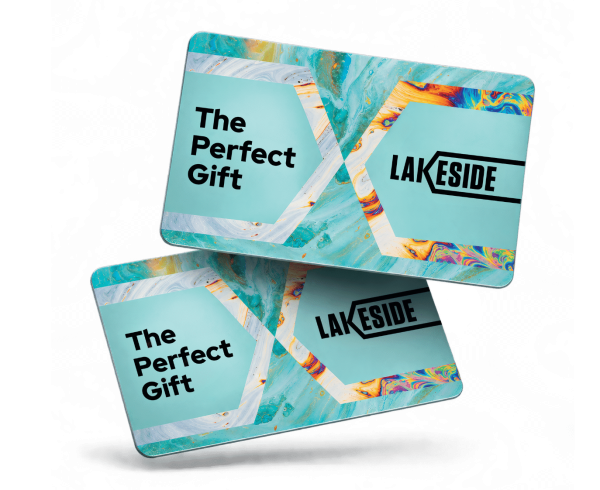
Lakeside Gift Card

Shop. Dine. Explore. All in one place.

Let them choose the fun!

Looking for the perfect gift? Give them the freedom to Shop. Dine. Explore. with a Lakeside Gift Card.

From discovering their favourite brands and enjoying delicious dining to making a day of it, there’s something for everyone.

With so much to choose from, they can enjoy Lakeside their way.
Shop. Dine. Explore.

Let them choose the fun, spend the Lakeside gift card at any of the stores below!

BUY IN CENTRE

Lakeside Gift Cards are available from our gift card kiosks located at:
  • Level 2 – near NEXT and M&S
  • Level 1 – near the Central Atrium lifts

BUY ONLINE

Lakeside Gift Cards are available to purchase online, simply click the link below! 

CHECK YOUR GIFT CARD BALANCE

Checking the balance of your Lakeside Gift Card is easy. Simply click the link below and input your Gift Card details to check your balance online.

Alternatively, you can check your balance at any of the Gift Card kiosk within the shopping centre. Our gift card kiosks located at:

  • Level 2 – near NEXT and M&S
  • Level 1 – near the Central Atrium lifts

Frequently Asked Questions

Our Gift Card is valid for 12-months from date of purchase.

The Lakeside Gift Card is available at a selection of our stores listed above. If you’re still unsure, please contact us here or call 01708 869 933 a member of our team will help confirm where the card is accepted.
If your gift card has a magnetic stripe, and the store doesn’t accept magstripe payments, you can digitise your card using the Giftify mobile app and add it to your Apple Wallet or Google Wallet for contactless use.
Download the Giftify app from the App Store or Play Store.

If you ordered a gift card (physical or digital) and haven’t received it, or if you ordered it for the wrong address, please contact us here or call 01708 869 933.

Yes, you can! Giftify supports digital wallets, so you can add your card to Apple Wallet or Google Wallet for easy, contactless payments in-store. To do this:
  • Download the Giftify app from the App Store or Google Play.
  • Enter your card details or scan the QR code.
  • Tap “Add to Wallet” and follow the prompts.

We’re sorry to hear your card has expired. Unfortunately, once a card has passed its expiry date, the remaining balance can no longer be extended, reactivated or refunded, in line with the card’s terms of service. Giftify isn’t able to extend or refund cards directly.
Remember: You can always check the expiry date and remaining balance of any card powered by Giftify technology by scanning the QR code on the back of the card.

Unfortunately not at this stage, this Gift Card is only accepted at Lakeside Shopping Centre stores and restaurants including The Quay and The Lake.

We know this can be an inconvenience however, should you lose your Gift Card please contact cardsupport@giftify.me for further assistance.

Yes, you can receive a digital receipt if you provide your email at point of sale.